|

       
| |
IBM Infowindows
Scanner Setups for Infowindows
Descriptions
InfoWindow II 3486 / 3487 / 3488 / 3489
Display Guide (User Manual), G326-0265.
3488 Photo
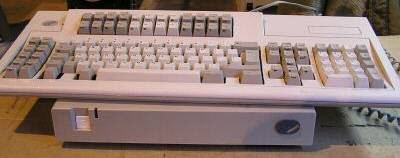
- Green 14-inch, maximum viewable image size of 11.3 inches,
- supporting 24 rows by 80 columns
- Two keyboards available: 122-key typewriter keyboard and 102-key enhanced
keyboard
- Supports two display sessions and one printer session concurrently
- Parallel printer port
- Enhanced user interface
- Tilt/Swivel stand
- Calculator function
- Record/play/pause
- IBM mouse support
- Power saver feature
- Split-screen vertical or horizontal
- Auto dim
- Only available refurbished or used
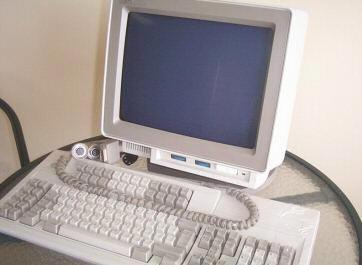
3486 Photo
[back to top]
Overview
- The InfoWindow II is a family of displays that has an ASCII attachment to
the iSeries (AS400) using a 3174 controller. The 3153 emulates a variety
of the most widely used ASCII displays. It has two RS232 ports and a parallel
printer port. There are different models of the 3153 offering green, amber, or
white monitors. The 3153 meets recognized international standards and
guidelines on ergonomics, emissions, safety, and power consumption.
[back to top]
|

