Printer Configuration
*IMPORTANT
There are four locations where you can configure your printer
- file > printer setup
- file > page setup
- communication > configure
- communication > configure > setup
Configuration
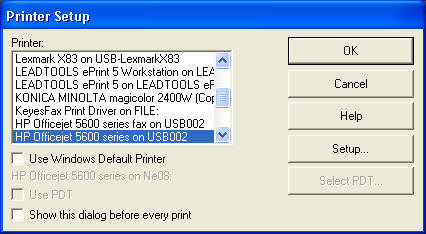
file > printer setup
Use this option to select your appropriate printer.
file > page setup
Use this option to set customized page settings
Orientation tab
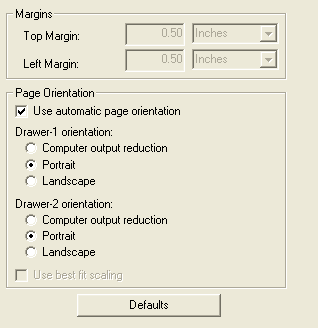
Common custom settings include the following
- turn off or on auto page orientation
- set the reports to print portrait, landscape or computer reduction
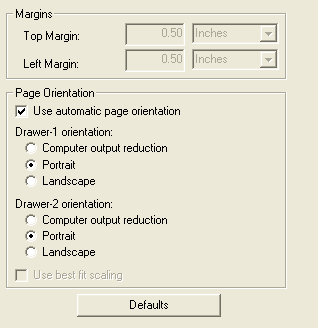
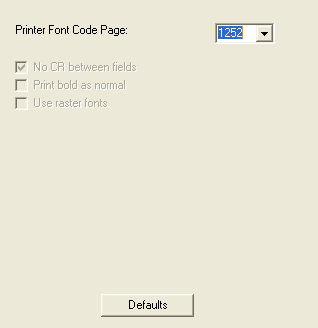
Advanced options tab
- Normally 1252 is the correct setting but you may experiment with other
settings or contact the printer manufacture for better font settings
communication > configure
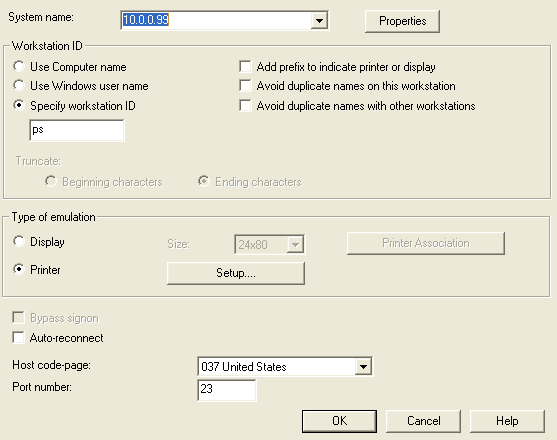
communication > configure > setup
*IMPORTANT settings
- Lexmark, IBM, HP Laser and Okidata printers nearly universally accept
HPT (Host Print Transform).
- If your printer doesn't tolerate HPT then uncheck it and set the
font to Modern. That setting may work better.
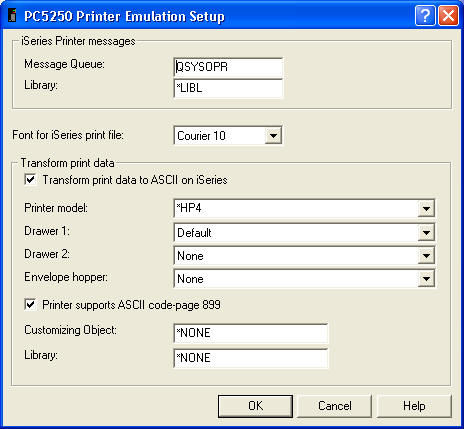
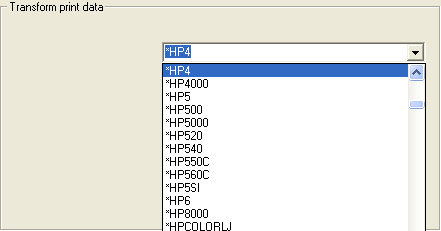
communication > configure > setup > printer model selection
If host print transform is select try the following settings
- IBM/Lexmark printers - try 2380, 2381 or 5204
- HP Printers - try your model number first then try HPii or HPiv if that
fails
- Okidata printers - try your model number first then try IBM 5204
- Other printers - find your model number next try IBM 5204 or HPii and
HPiv
- If your printer still won't print correctly you must turn HPT (Host
print transform) off
Additional Photos
Sign on
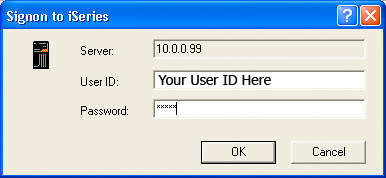
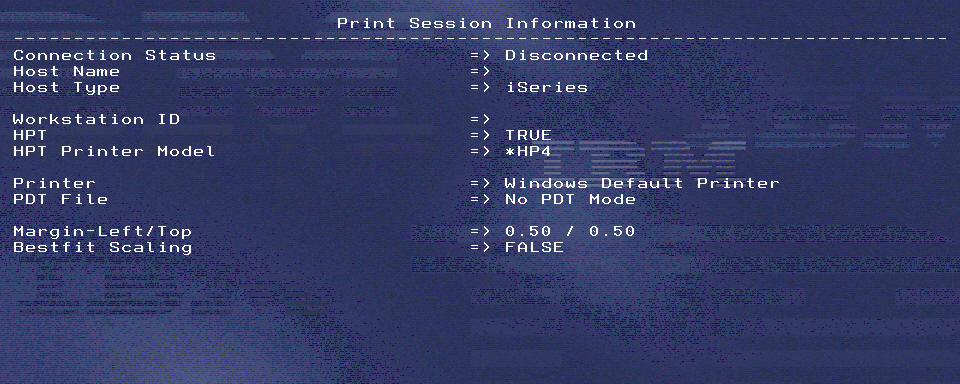
Disconnected printer session
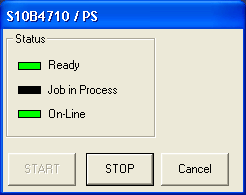
Active printer session
| 



