[IBS Home] [Up] [Initial Setup] [Error Messages] [CA Release Versions] [Firewall Settings] [IBM V5R3 CA Package] [Legacy Versions] [Linux Configuration] [Printer Setup] [Windows Connectivity]
|
|
|
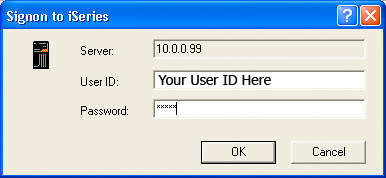
Using a PC PrinterAdditional ResourcesPhotosSign on
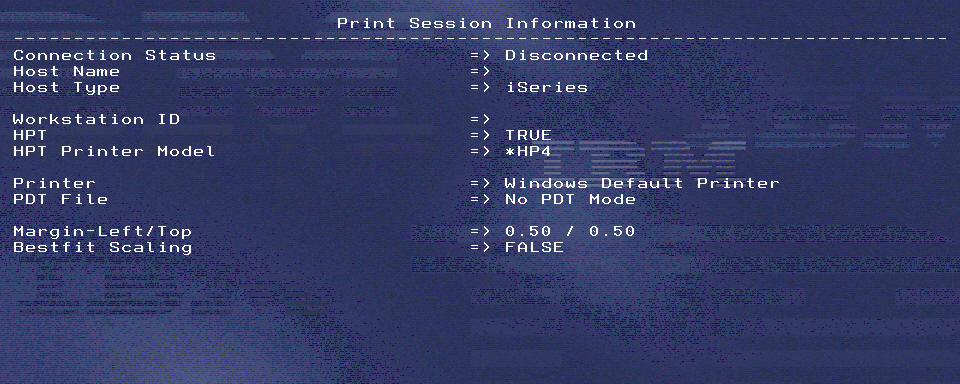
Disconnected printer session
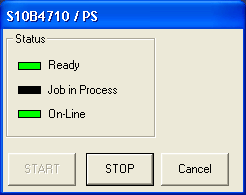
Active printer session
Configuring a PC Printer Using Client Access1. Click Start on the Windows Task Bar then Programs > IBM AS400 Client Access Express > Emulator > Start or Configure Session. 2. Click OK on the pop-up message. This will bring you into the Configure PC5250 screen. 3. In the Workstation ID field enter the name you would like to use for this printer session on the 400. This name should not currently be used for an out queue on the 400 (WRKOUTQ). 4. Click on Auto-reconnect and Printer. 5. Click on the Setup button to bring you into the PC5250 Printer Emulation Setup screen. 6. On the PC5250 Printer Emulation Setup screen click on Transform print data to ASCII on AS/400. 7. Use this link for IBM printer info: Support for Various ASCII Printers 8. Using the Printer model drop down list select the printer recommended in the “MFRTYPMDL for HPT” column you found using the above link. 9. Leave the remaining defaults and click OK. 10. If you are configuring this session for a barcode printer try the IBM 4208-1 Proprinter XL24. 11. Click OK on the Configure PC5250 screen. 12. The printer session should now be displayed along with the printer status box. 13. From the top left corner of the session click on File to open the pull-down menu and select Printer Setup. 14. Highlight the printer you are using for this print session and click Ok. 15. Close the session. 16. Save the session configuration as the printers name or any other name you wish. 17. When asked, create an icon on the desktop. You can save this icon to the desktop by going to the very top of the tree in the Browse for Folder screen that comes up. 18. You should now have an icon on your desktop that will start this Client Access PC5250 printer session when opened. |
|