IBM Server Site

IBS Home Up

Terminal Setups

Initial Terminal Session Settings

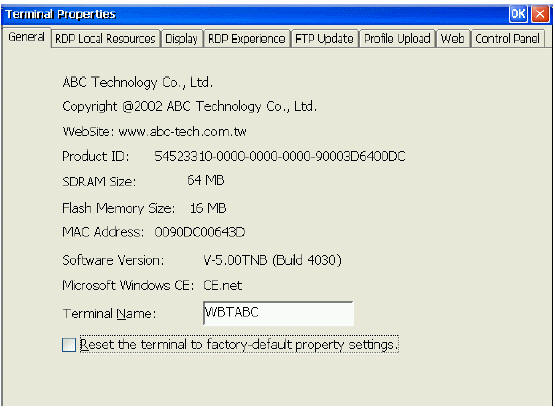
  • Using the Terminal Properties window, you can change the terminal properties.
  • Invoke this window by pressing the F2 key in the Terminal Connection Manager window.
  • The Terminal Properties window consists of seven (22xx terminals) or eight property sheets that can be invoked by activating their individual tabs.
  • You will not see the FTP Update tab in 22xx Terminal Properties.
    At the bottom of each sheet are three buttons:
    • OK. Activate OK to save changes and quit Terminal Properties after you have set desired properties in all the property sheets.
    • Cancel. Activate Cancel to quit Terminal Properties without saving any changes. You can also do this by clicking on X in the upper right corner.
    • Apply. Ignore this button.
  • If a password has been enabled for this terminal (see Control Panel|Security), you will see the Setup Password dialog box when you press F2. Type in your password and activate OK.

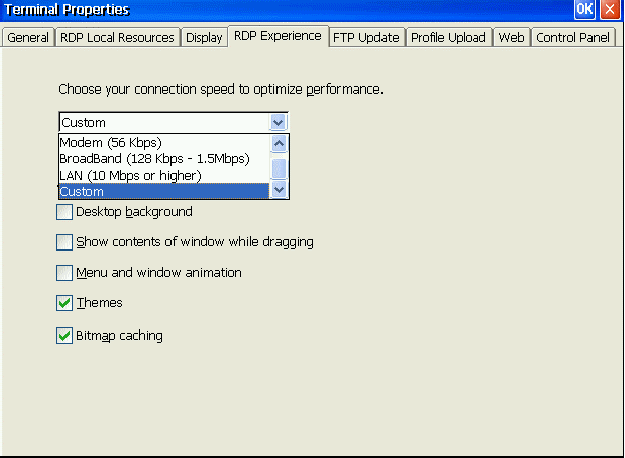
RDP Experience

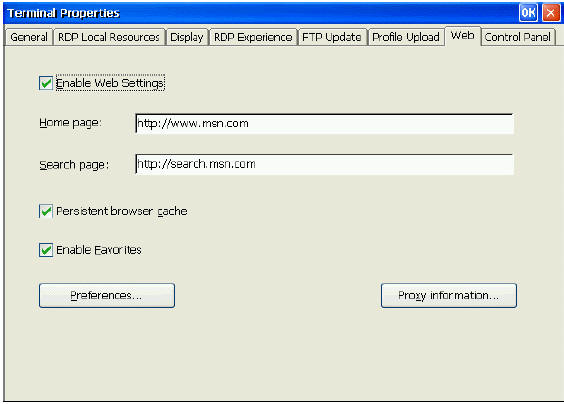
Web Settings

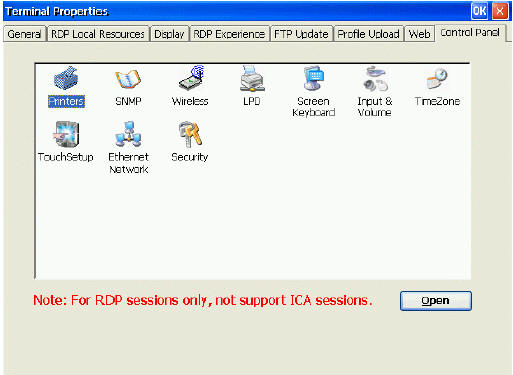
Terminal Control Panel

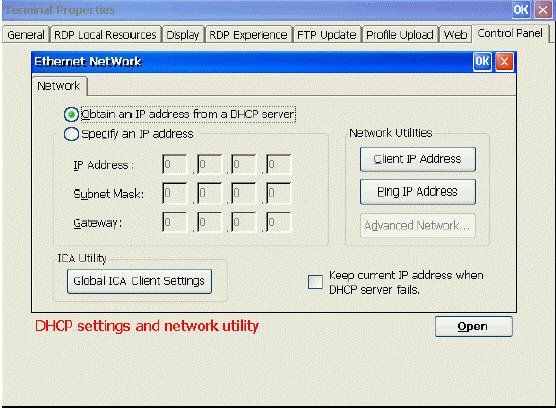
Ethernet Network

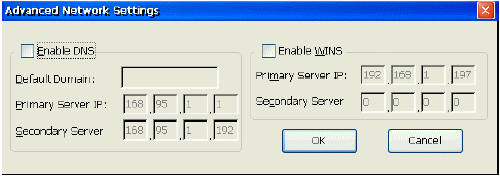
Advanced Network

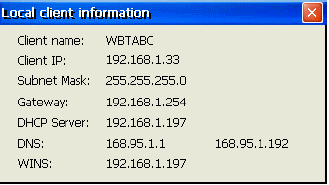
Client IP Address

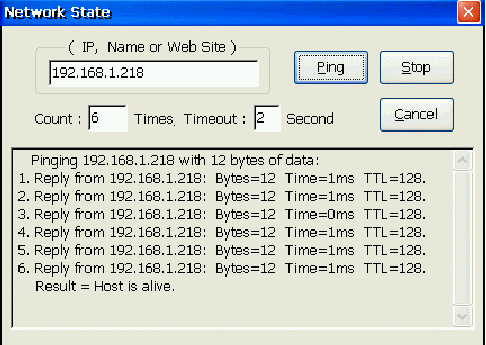
Ping IP Address

IBS Lumber and Building Material Software Copyright © 2006 IBS Lumber Software Inc (TM)
Last modified: November 7, 2011

IBS Sales & Support 888-640-1252
Main Office 888-640-1252
Fax IBS 877-712-8937

All pages contained in this support website are not intended for general public distribution. Any material here can be considered private, confidential with various copyrights and restrictions against public release. You 'the browser' cannot legally release this information for general public distribution.

remote support: http://www.gotomeeting.com | remote support download program