IBM Server Site

IBS Home Up

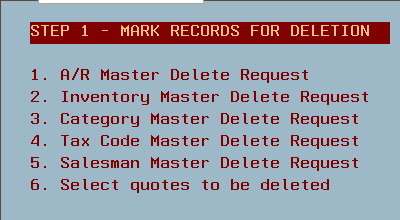
MU 18, 1-5

Select these options to add items into the delete request file.

*IMPORTANT

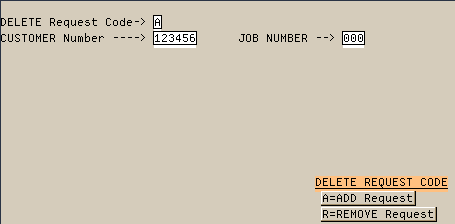
  • A = mark a record for deletion
  • R = remove name and do not delete this record

MU 18, 1 - Tag Customer Files for Deletion

  • A = mark a record for deletion
  • R = remove name and do not delete this record

  • Once you receive the following alert message on the bottom of the screen press ENTER to confirm or F3 to cancel.

Finishing

  • Upon exiting the report listing all records tagged for deletion will then print.
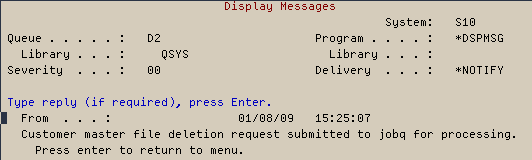
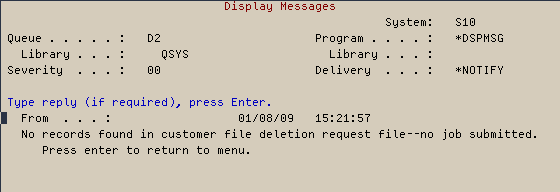
  • One of the two following messages will then display
    • If one or more records are selected the following alert message will display

    • If no records are selected the following alert message will display


IBS Lumber and Building Material Software Copyright © 2006 IBS Lumber Software Inc (TM)
Last modified: November 7, 2011

IBS Sales & Support 888-640-1252
Main Office 888-640-1252
Fax IBS 877-712-8937

All pages contained in this support website are not intended for general public distribution. Any material here can be considered private, confidential with various copyrights and restrictions against public release. You 'the browser' cannot legally release this information for general public distribution.

remote support: http://www.gotomeeting.com | remote support download program